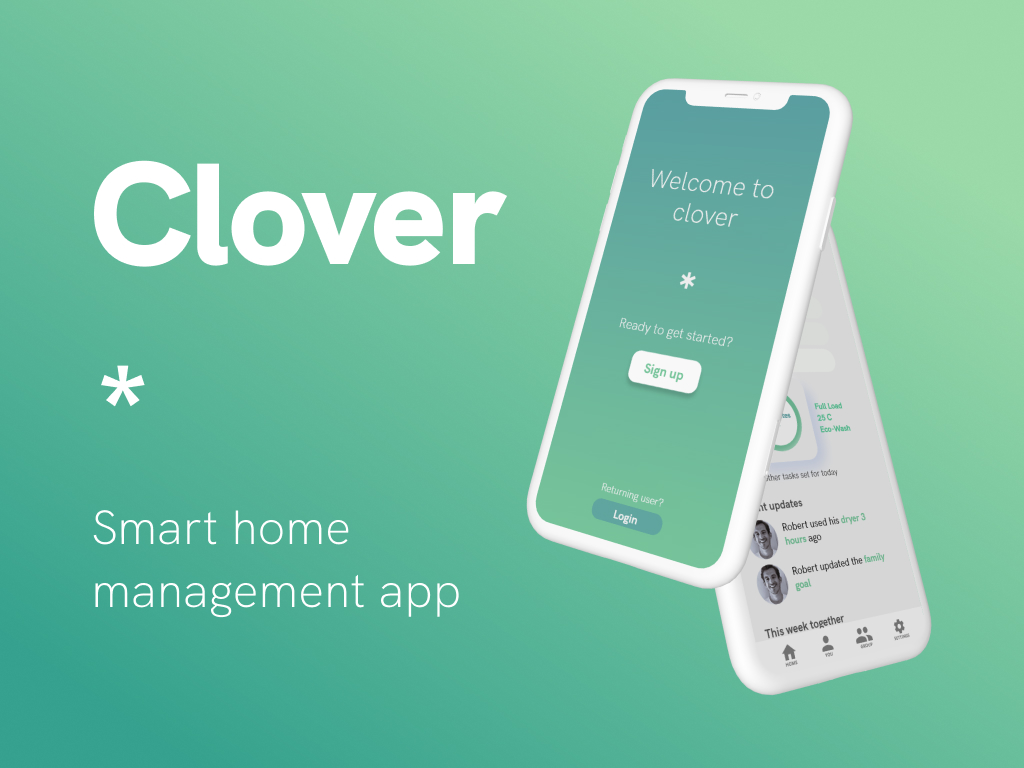
What is Clover?
The state of a home often reflects the state of the person living there. Without a solid cleaning and maintenance routine, it is easy for people to slip into disarray.
Clover is for those who wish to indirectly keep updated on their “buddy’s” everyday routine in a non-intrusive manner, or those looking to keep themselves accountable with household cleaning, excellent for carers and roommates respectively.
It combines this social feature with the ability to track and monitor selected smart appliances, allowing for a streamlined experience both on the app and in the real world.
The app UI uses a green, white, and blue colour palette to communicate a clean atmosphere. This helps users that are less familiar with technology to adapt to our interface. Clover intends to help users build real, strong habits, for their own long-term benefit.
Who is Clover for?
Clover is designed for people who have someone they care about that needs an accountability buddy, but don’t have continual contact or access to them for various reasons (e.g., remote, living alone, busy schedules, different time-zones).
The app offers a way to indirectly keep updated on their “Buddy’s” day to day routine in a non-intrusive manner (e.g., Parent-Child, Partners, Close Friends).
It is also for people who may live with someone and share the same appliances and would like to have better insights into usage.
Clover offers a way to indirectly keep updated on smart appliance usage and status and understand lifestyle habits of the people. This can be for the user themselves, family members and roommates, or those that are needing additional support and care.
Project Background
This project was made for the Adobe x Ring Creative Jam that ran in June 2021. We entered as a team of 2 university students and had one week to prepare an Adobe XD prototype of our proposed mobile app design.
The competition’s challenge was to design an “inclusive third-party mobile app” with a focus on creating something in line with Ring’s devices, to “improve surveillance, communication, temperature, and entertainment around the home and neighbourhood”.
User Persona
The competition was limited in time, but we believed that we needed a user persona to help focus the design on a specific audience.

Sandy Ventura (72)
- Has poor eyesight and limited mobility.
- Extroverted, community focused.
- A bit disorganised, forgetful of tasks, and not technologically savvy.
Sandy’s Goals:
- Develop a household routine.
- Find motivation to take care of herself and her home.
- Find comfort at home not that she lives alone.
Recently widowed, Sandy now lives at home by herself without a carer. She has children and grandchildren, but they live in a different city and are unable to easily visit, although they do call when they have the chance. She has a good friend of a similar age who lives in the same suburb, and they enjoy getting coffee at a nearby cafe every weekend.
Sandy has found herself falling behind on household tasks, despite having more free time. She finds it difficult to maintain a regular household routine due to getting pre-occupied with participating in other seniors’ events. She doesn’t have the motivation to spend much time in the house anymore, after having lived with family for so long, and doesn’t enjoy the isolation she now feels when she comes home.
She wants to improve on her management of responsibilities at home, whilst also still feeling connected to the people around her.
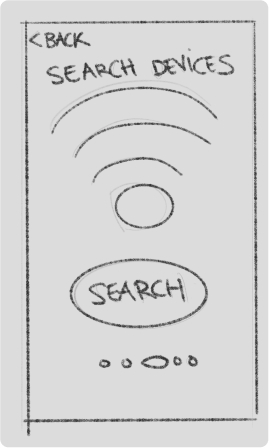
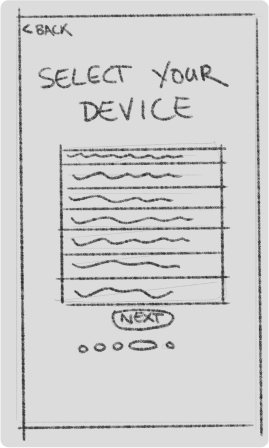
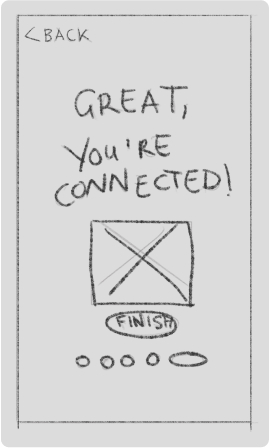
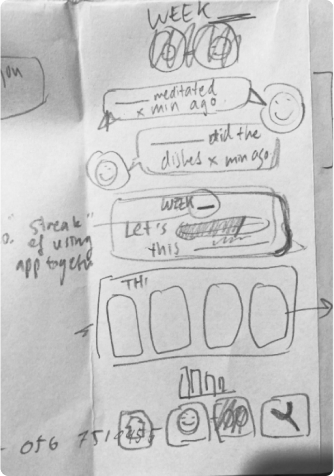
Low-Fidelity Wireframe Sketches


Design
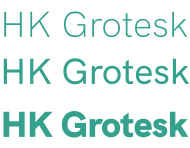
Clean, green, and familiar.
The design of Clover is aimed to be as hassle-free and self-explanatory as possible, providing a soft neumorphic interface which aids in shaping a holistic tactile experience.

Prototype
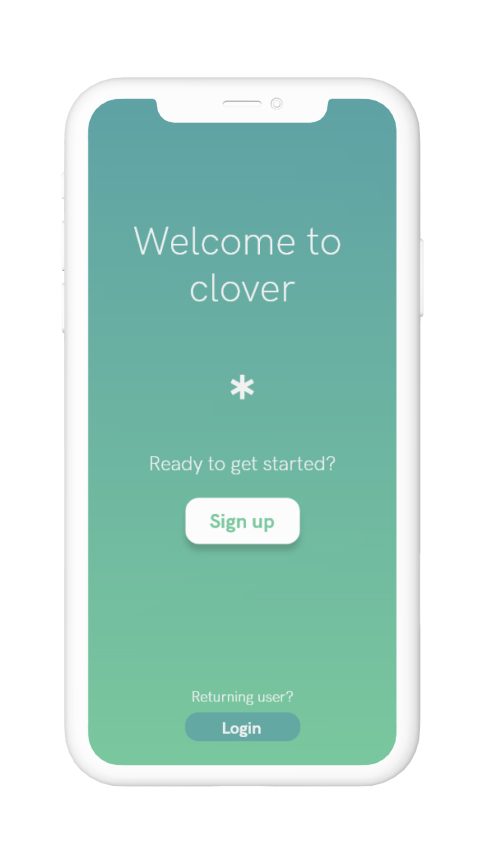
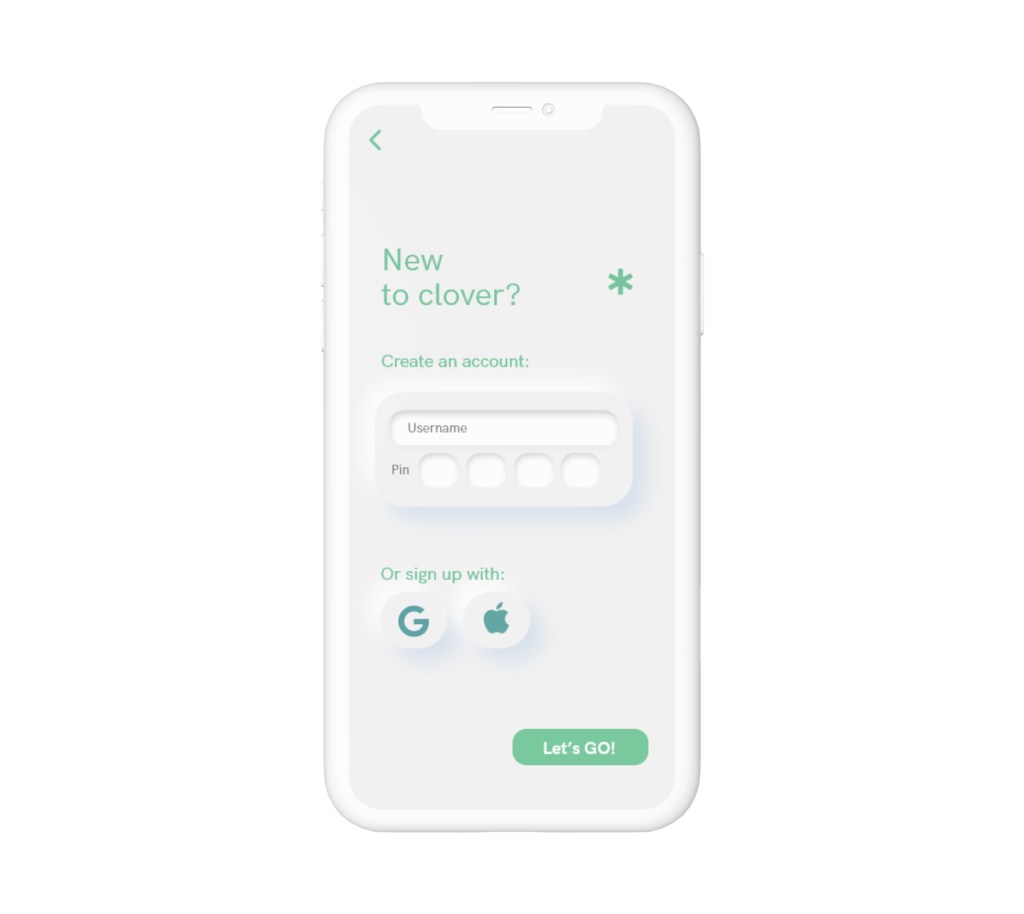
Landing and Profile Creation
Users are prompted to create profiles, with the use of PIN security over passwords, for ease of use for individuals of all technological expertise.

Application Setup and Onboarding
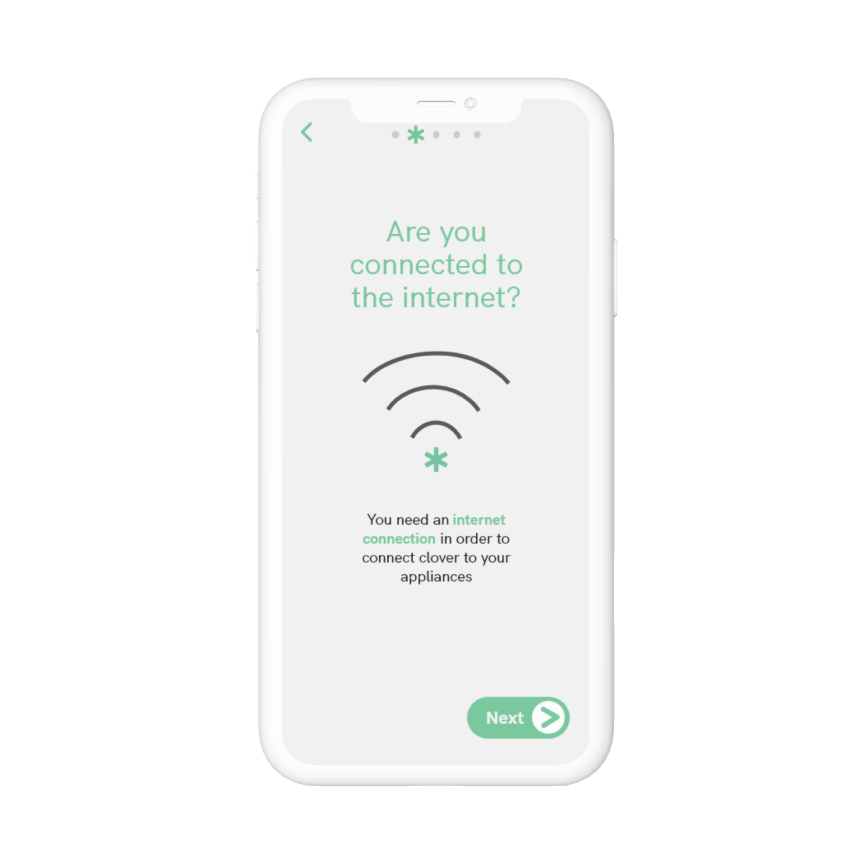
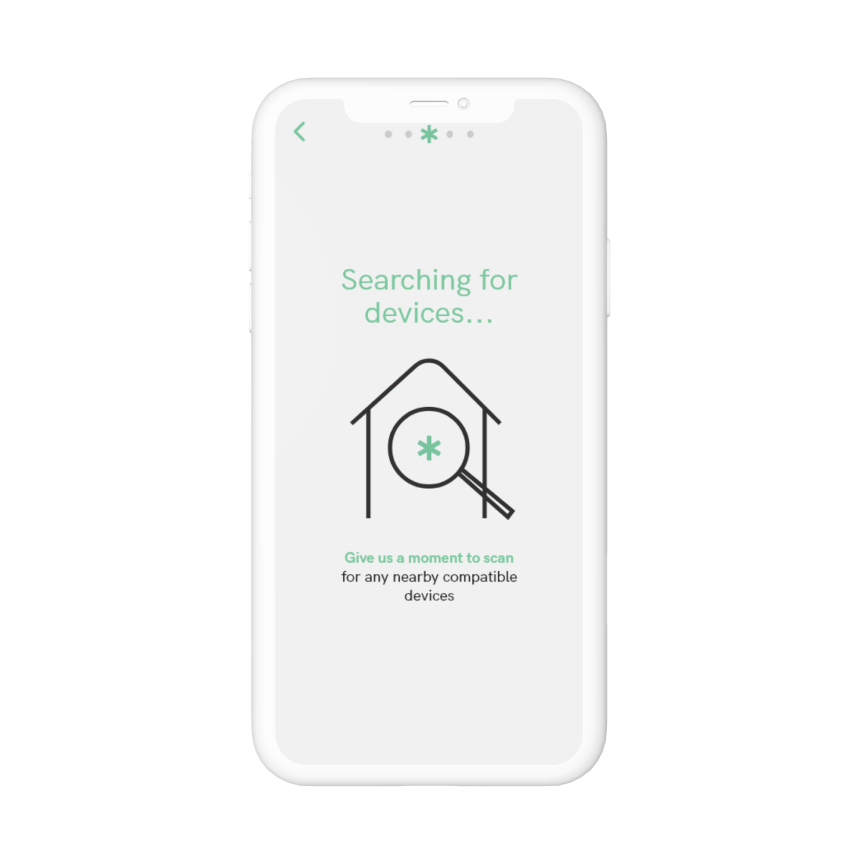
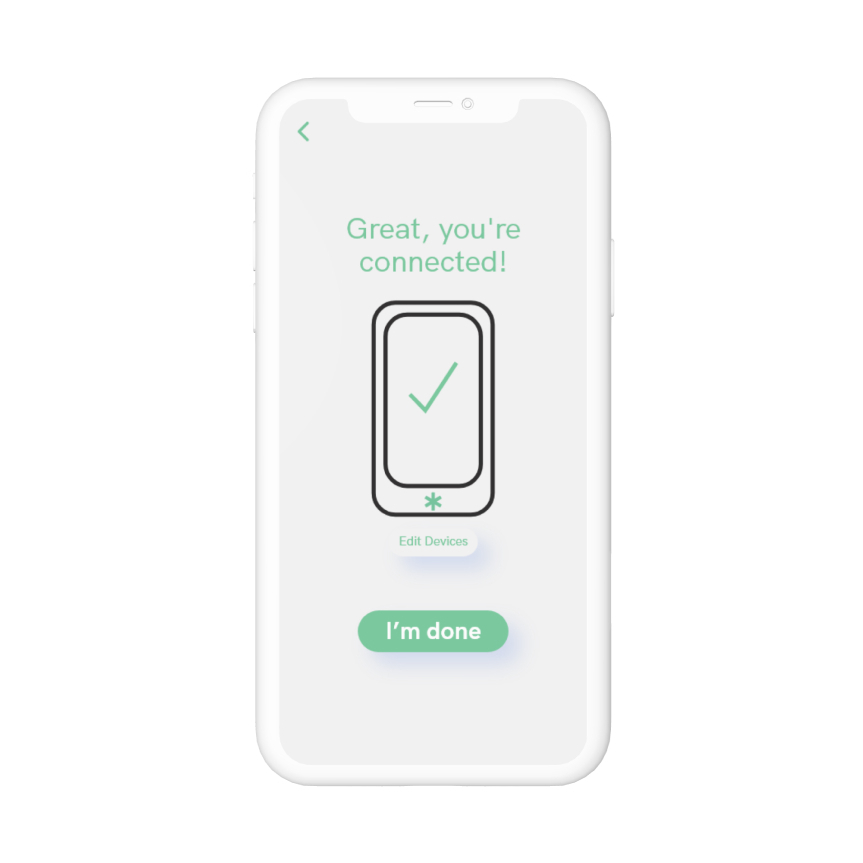
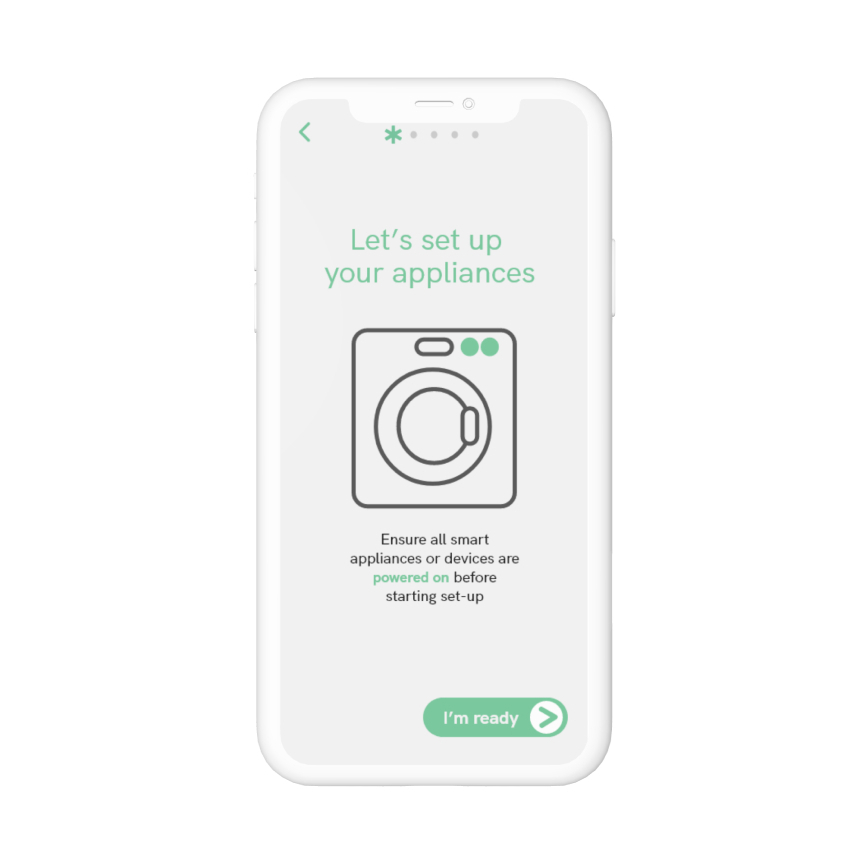
Following the creation of a new user profile, the user is guided through a series of interactive tutorial screens which walk the user through the process of connecting Clover to their smart devices step by step. This allows for ease of troubleshooting, particularly when dealing with wireless and Bluetooth devices.

Home Screen
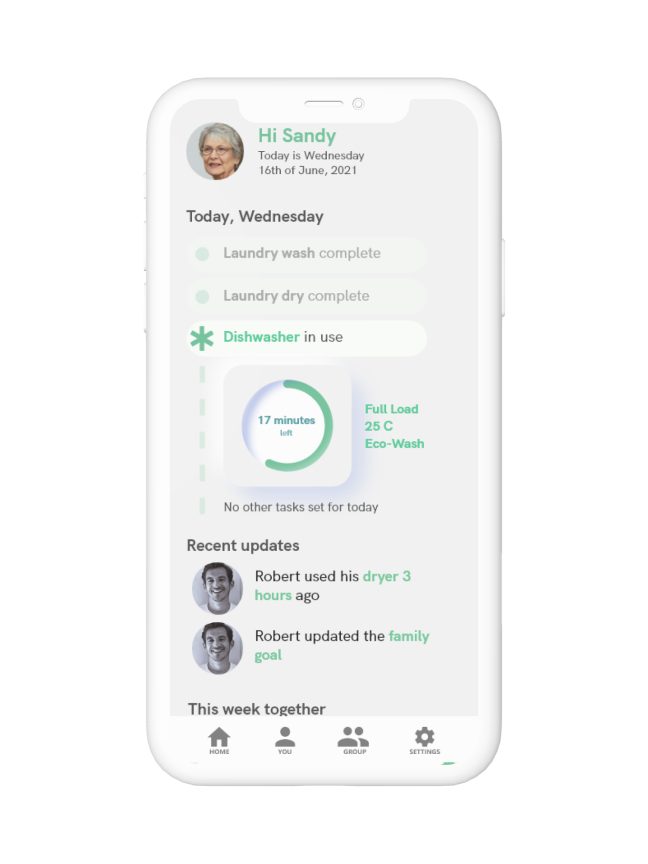
Daily Personal Timeline
At a glance, users can view their history and status of the current day, with an ongoing tracker monitoring current appliance use.
Recent Updates
Users stay connected to other people in their “Family” group in Clover. This provides a hassle-free, transparent method of information exchange between users.
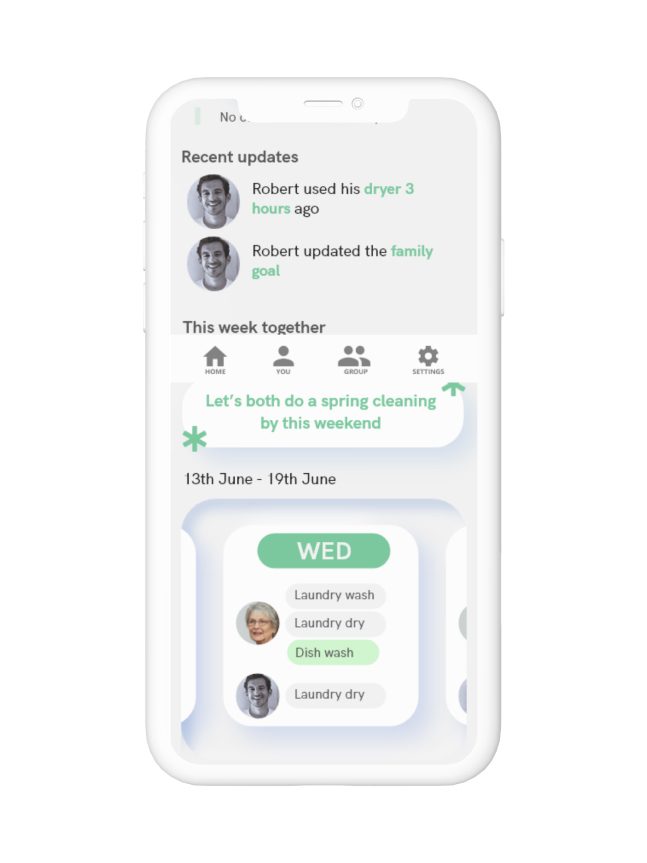
This Week Together
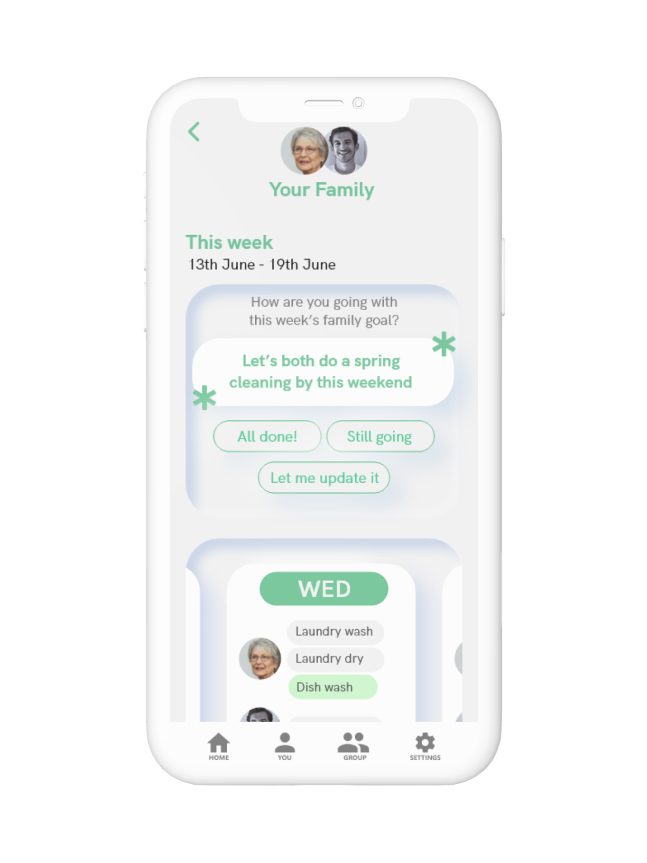
Further facilitating Clover as a bridge for mutual feedback and connection, users can see cumulative planned tasks for the whole family together in one week using a sliding, expandable calendar. The group goal is highlighted as an on-screen reminder.
Personal Stats
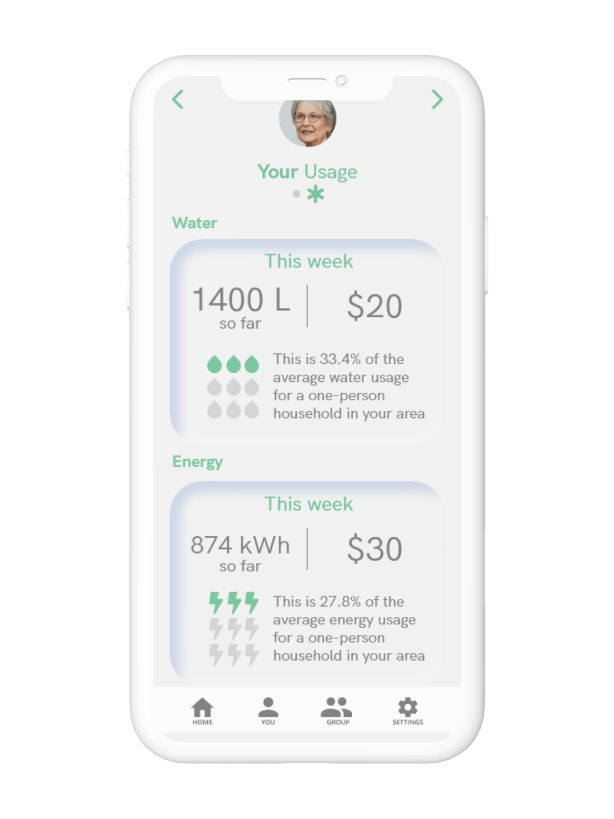
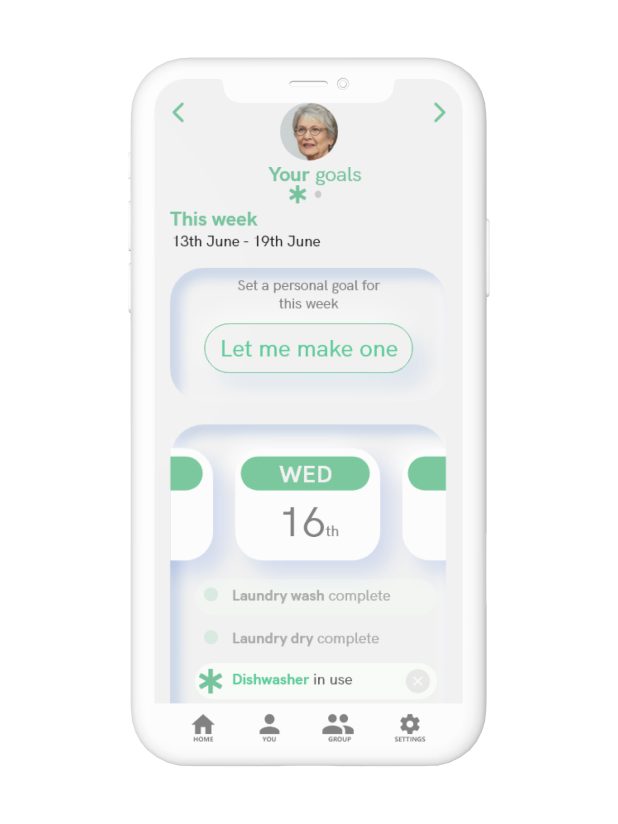
The “You” screens highlight both personal task focused behaviours, as well as providing intuitive information of usage and costs associated with the user’s current lifestyle. Easily add and edit tasks to suit lifestyles preferences and set goals for a weekly routine.
Group Stats
The “Your Family” screens provide a more detailed look at the weekly plan for all individuals within the family and provides a single screen editing experience to make adapting and updating as seamless as possible.
 Sonia Huang